
How it works
It begins the way all good things do — gently.
Four steps, about twenty minutes. Here is exactly what you build, what your guests receive, and what comes back.
- No card needed
- No watermark
- About 20 minutes


The half hour
From nothing to sent.
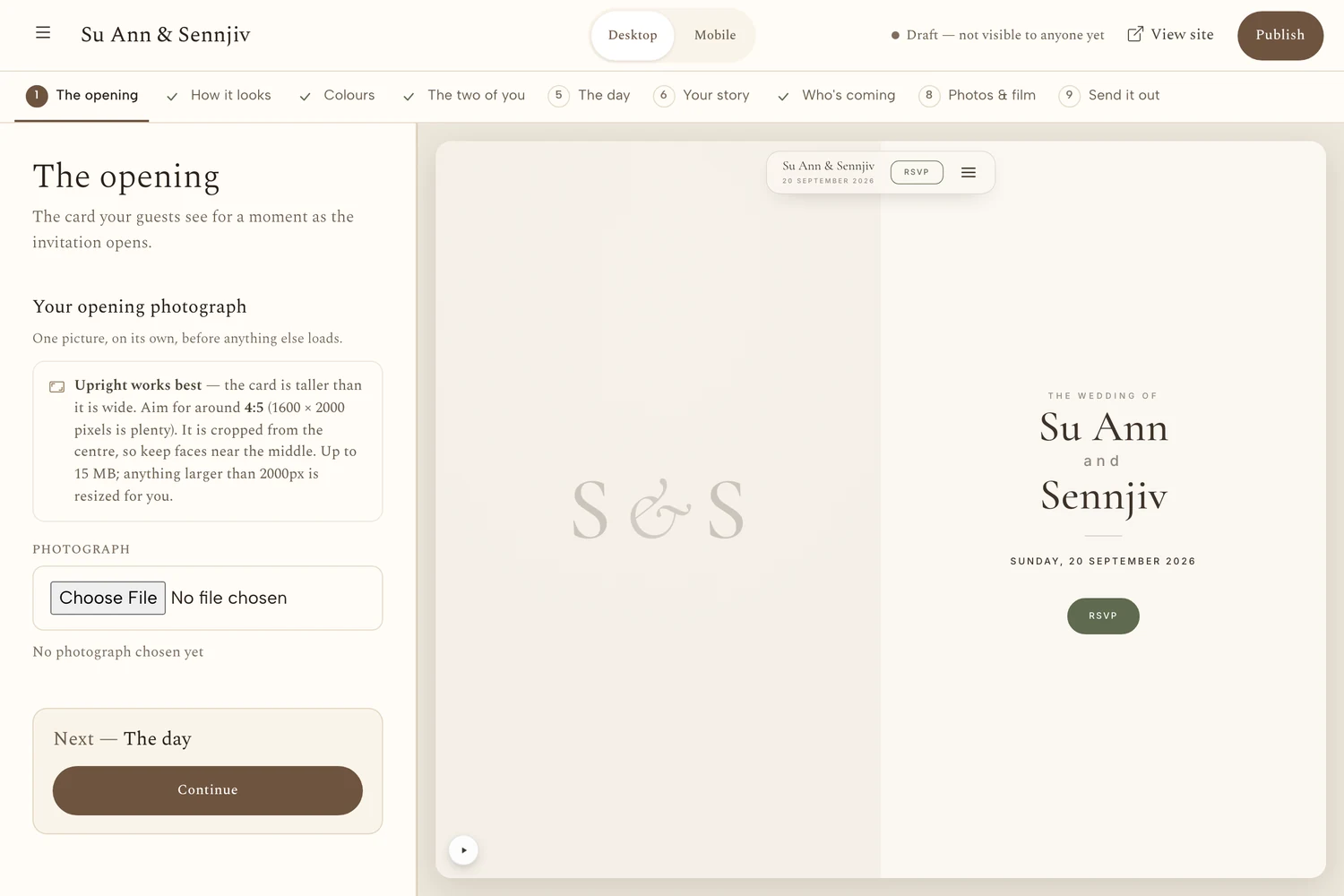
-
01 minute 0–2
Say yes
A name, an email, a moment of yes.
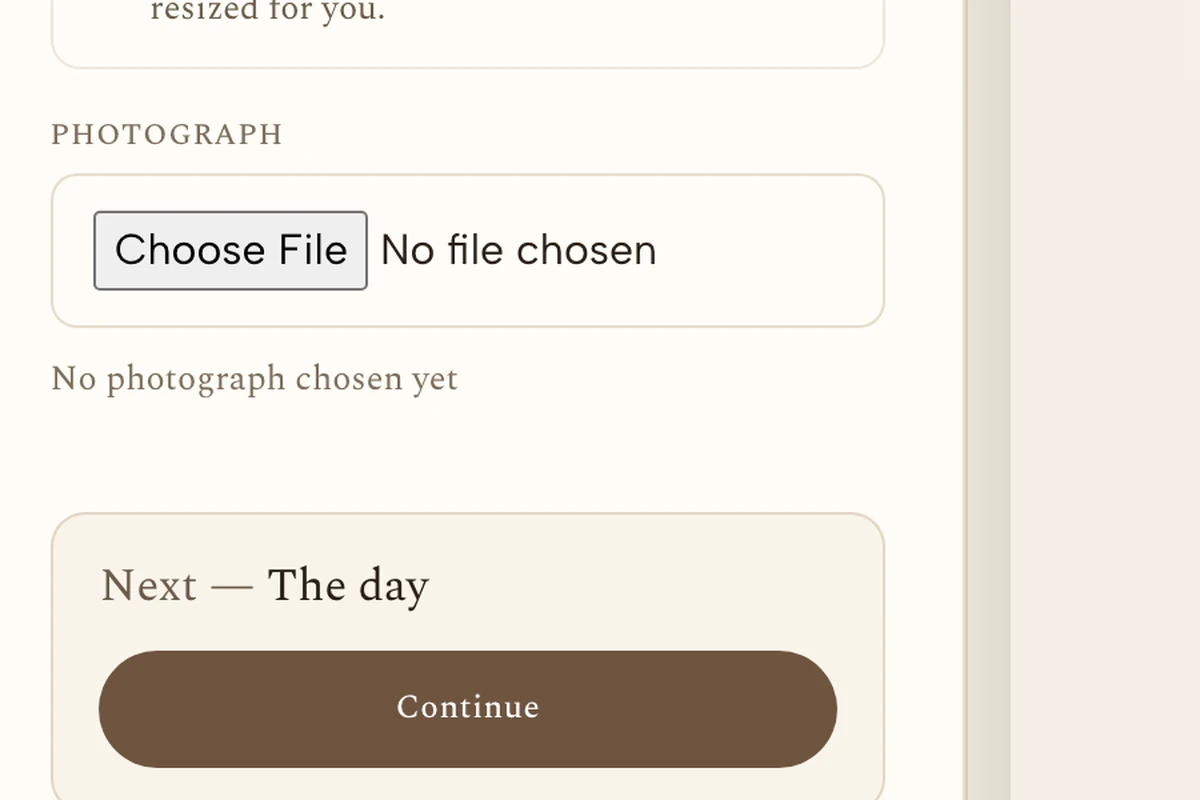
You create an account and your invitation exists straight away, empty and private, visible to nobody but you. No card, no trial clock, nothing to cancel.
-
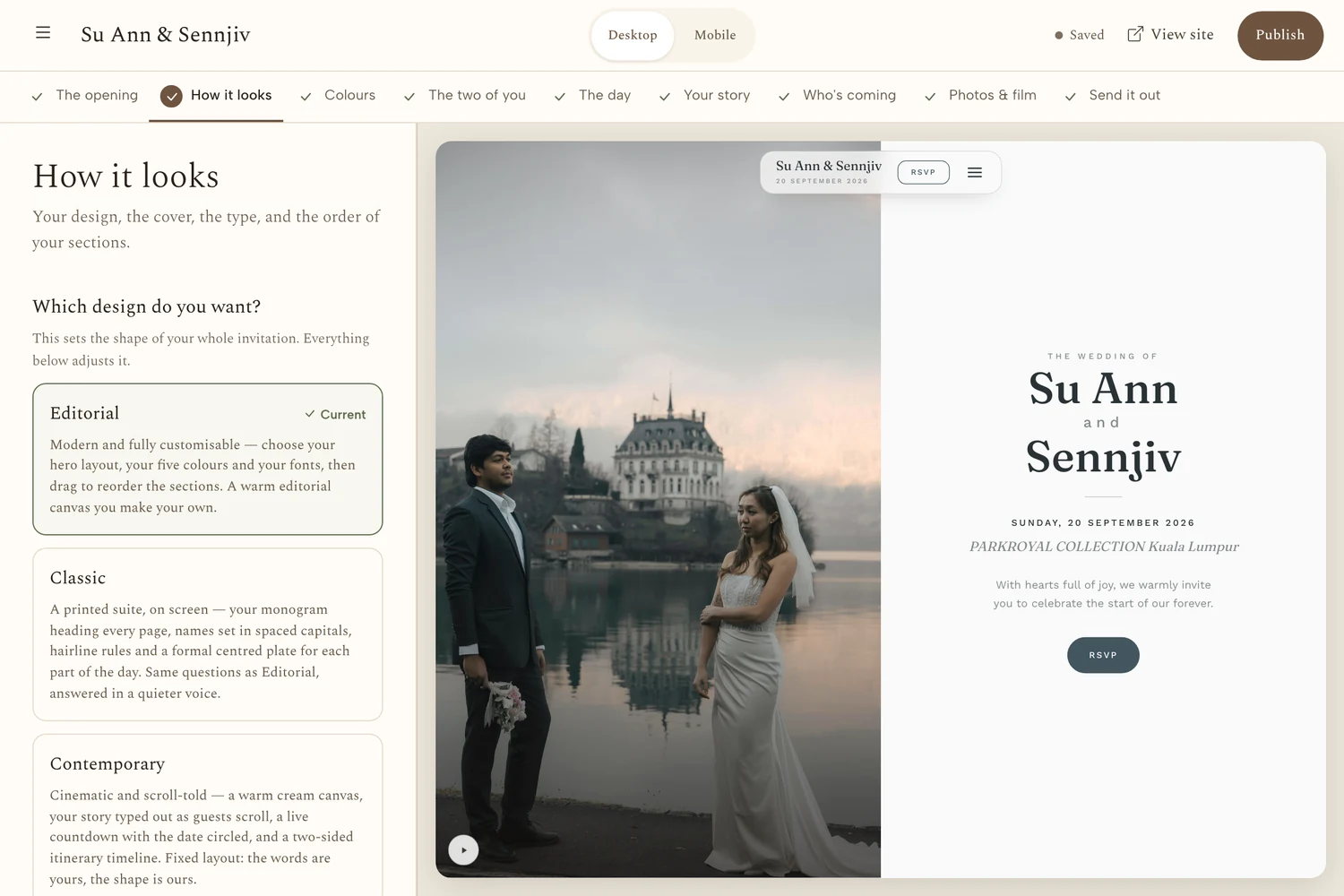
02 minute 2–5
Choose what feels like you
A design made for your kind of love.
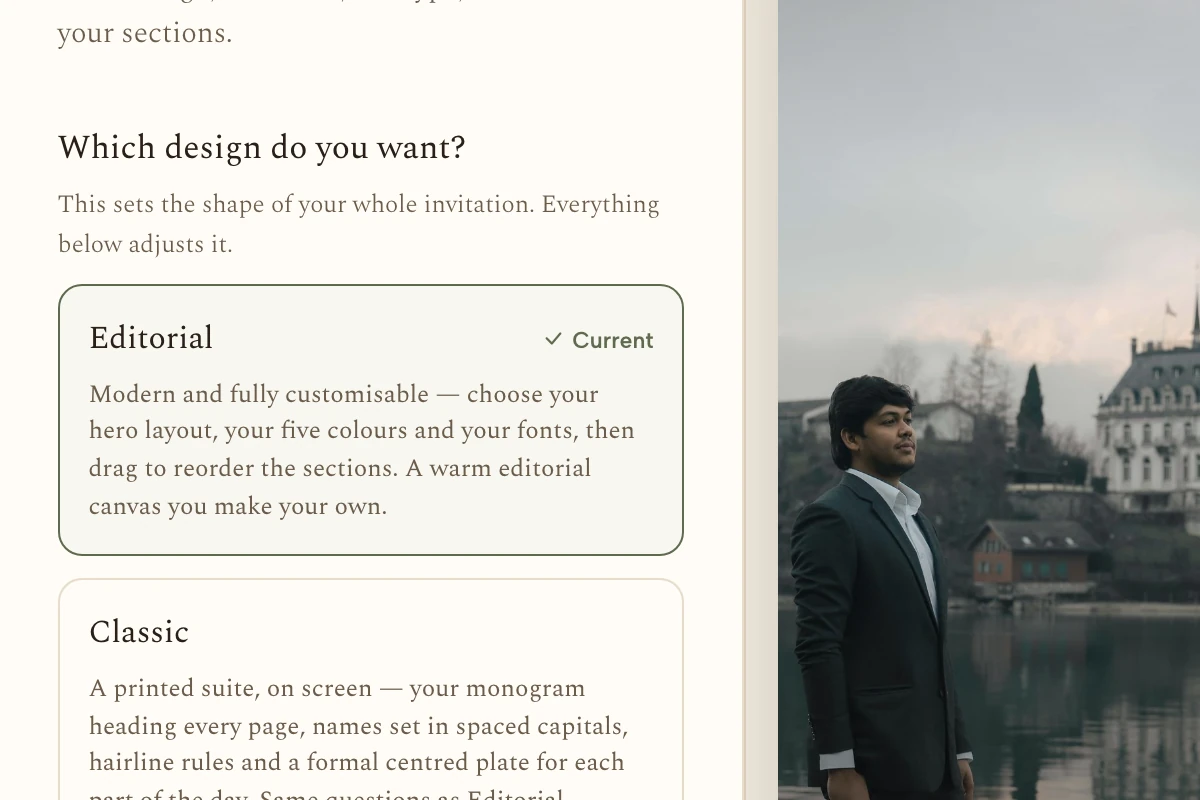
Pick a design built for the celebration you are actually having — Malay, Chinese, Indian, or something all your own — then set your colours and type. You can change it later, including after you have sent it.
-
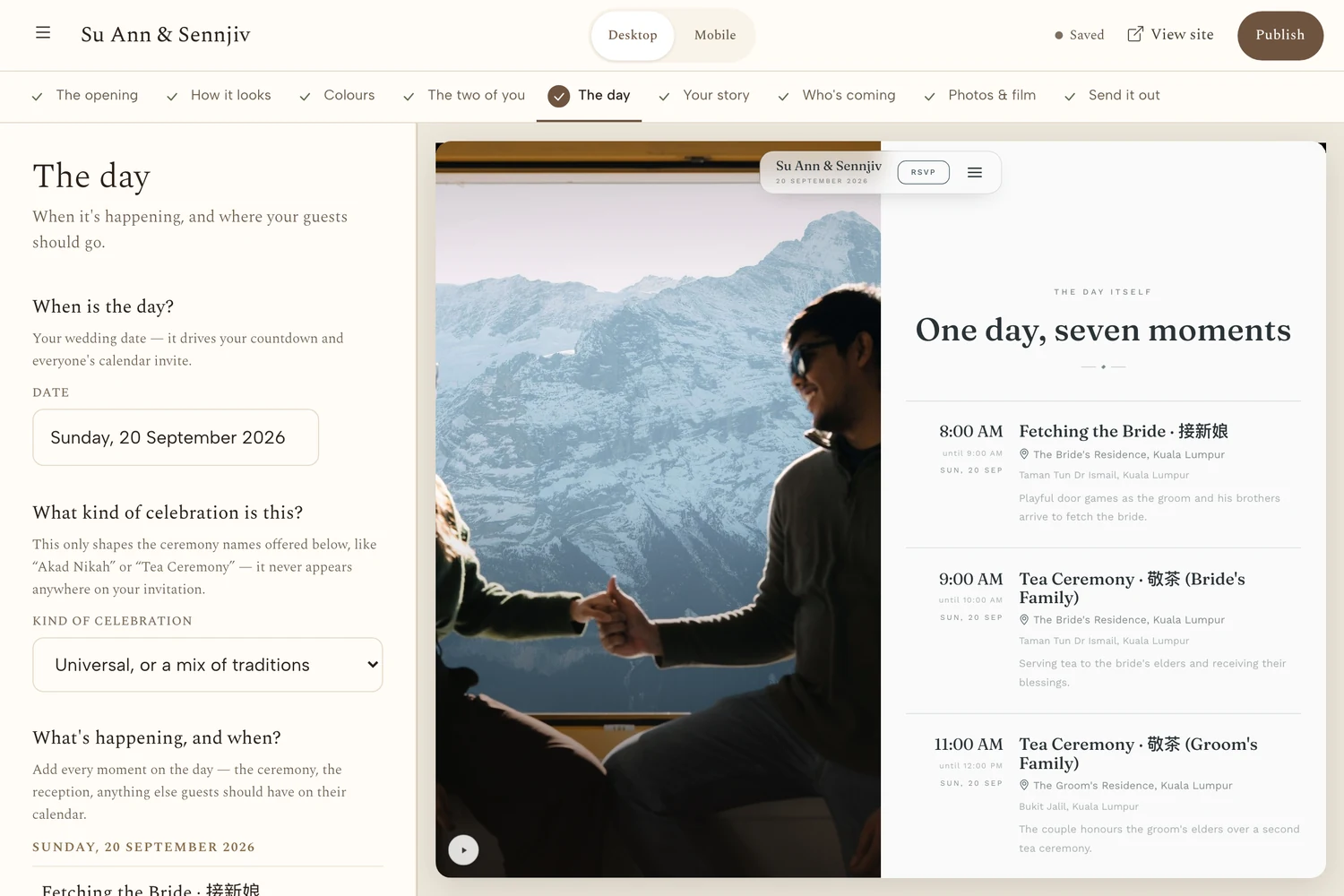
03 minute 5–15
Make it yours
Your events, your photos, your words.
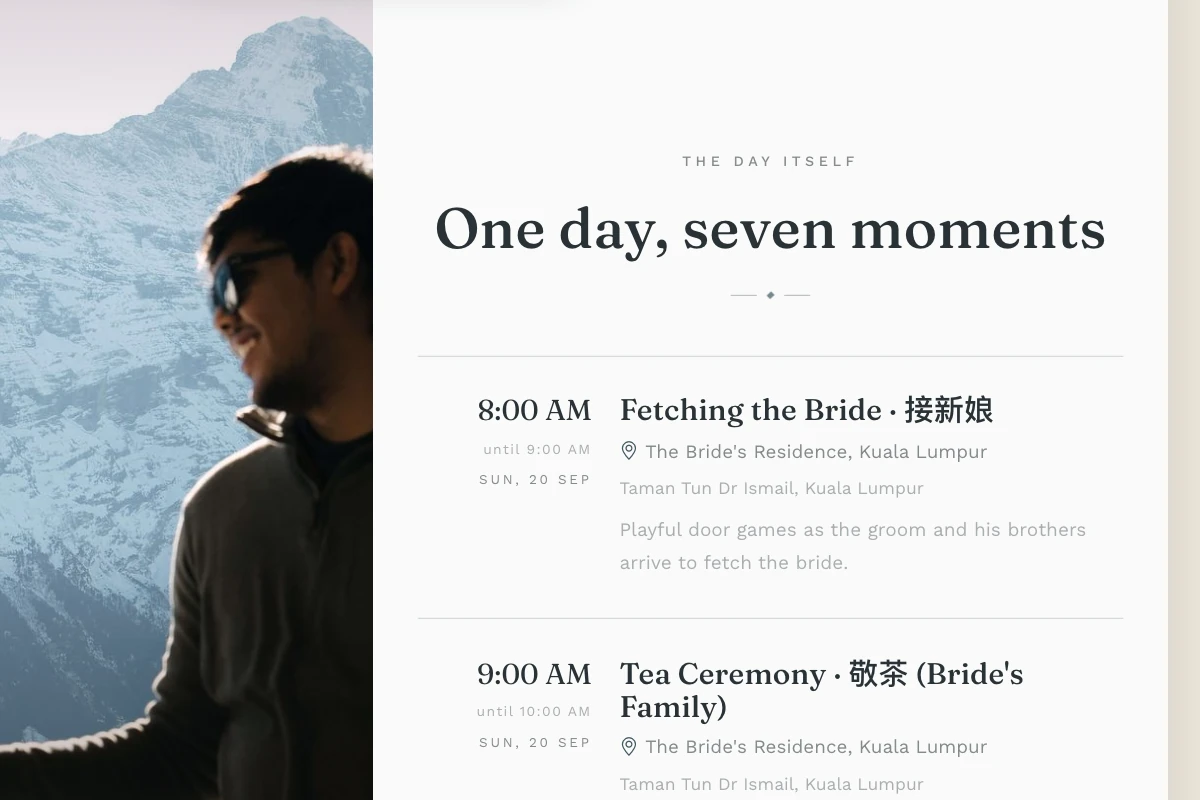
Add each event with its own time and place — Akad Nikah and reception, ROM and banquet, Mehndi and Sangeet. Write your story, add your photographs, and bring your guest list in: paste the whole list at once, or add one dear name at a time.
-
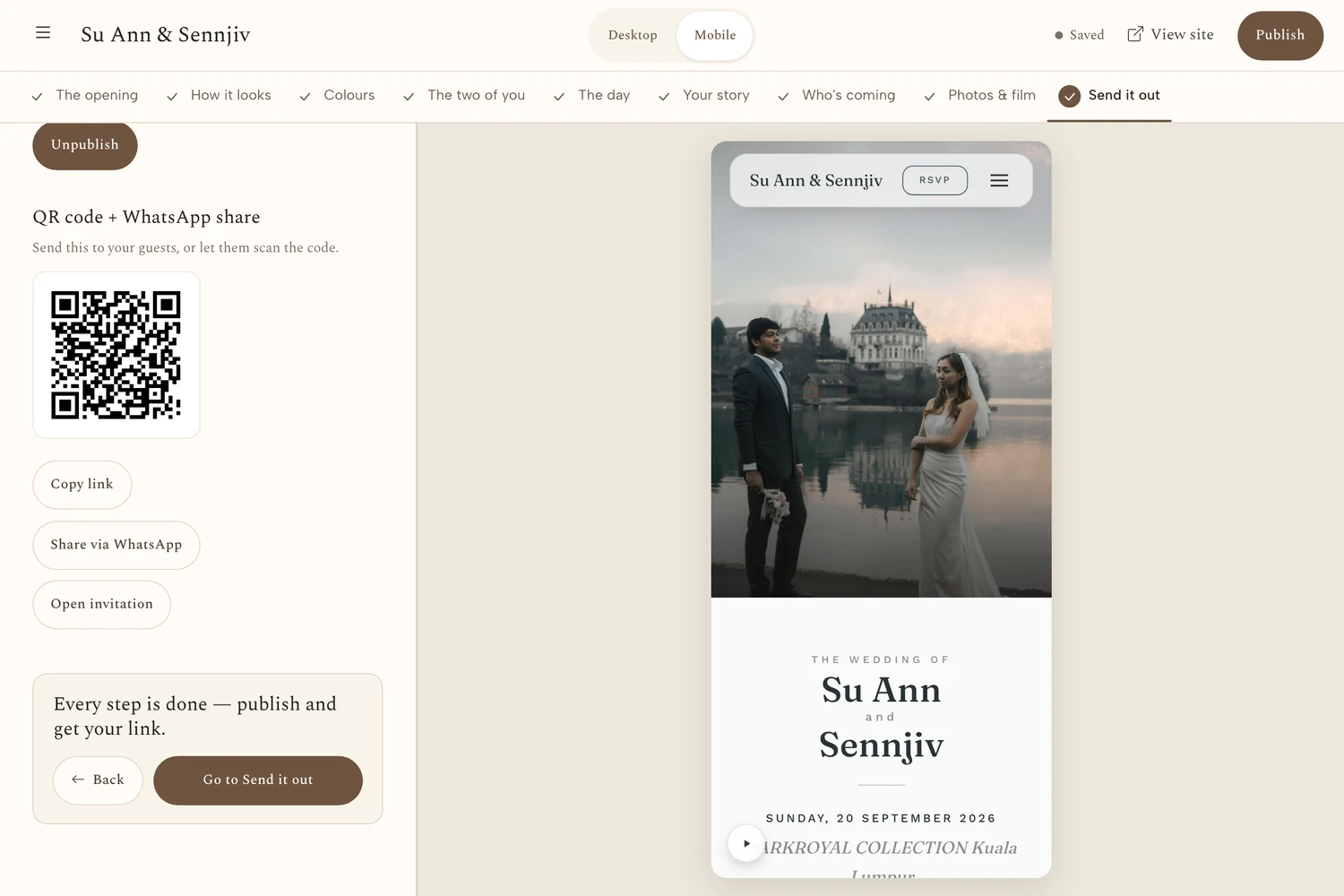
04 minute 15–20
Share, and watch them arrive
One quiet link, sent to the people who matter.
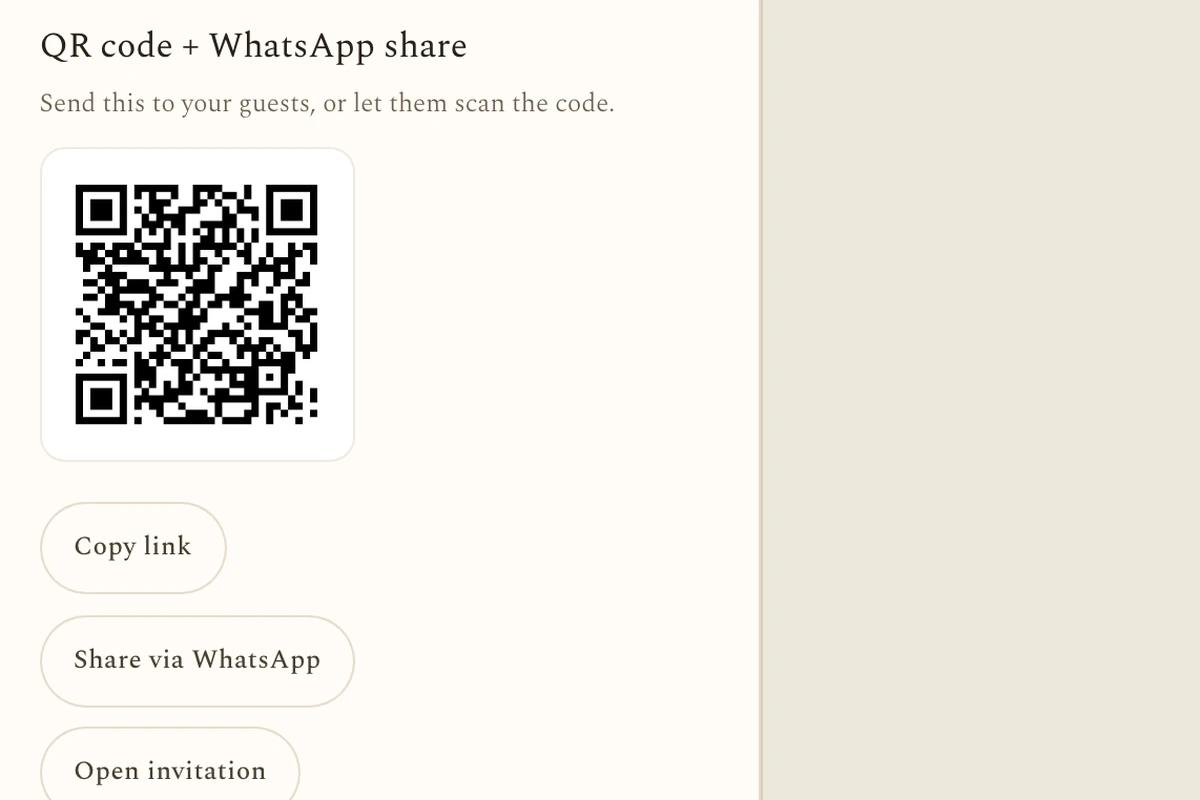
Publish, and you get one link to send by WhatsApp — or a separate link and QR code for each guest, ready to print. Replies land on your guest list as they come in, per event, with plus-ones and dietary notes attached.
About twenty minutes, beginning to end.
Once it is live
Two people are holding a phone.
Every event, held together
Akad Nikah and reception. ROM and banquet. Mehndi and Sangeet. Each gets its own time, place and welcome, on one page.
A guest list that keeps count
Group names into families, see who has opened the invitation and who has not, and send a gentle nudge to the ones who need it.
The numbers, told gently
Who visited, on which device, and how the yeses gathered over time — so you know where you stand without chasing anyone.
A reply that takes a moment
They tap the link, answer per event, add a plus-one and a dietary note. No account, no app, no password.
Their own way in
Each guest can have a personal link and QR code, ready to print on a card — the warmth of paper, the ease of a single tap.
Something to leave behind
Photographs, written notes and spoken messages, left right on your page. You decide, with care, what is shared.
Before you decide
Open a real one
A finished invitation is sitting here, live and complete — the story, the schedule, the RSVP, the gallery and the guestbook. Open it on this page, the way a guest would on their phone, and see the whole thing before you write a single word of your own.
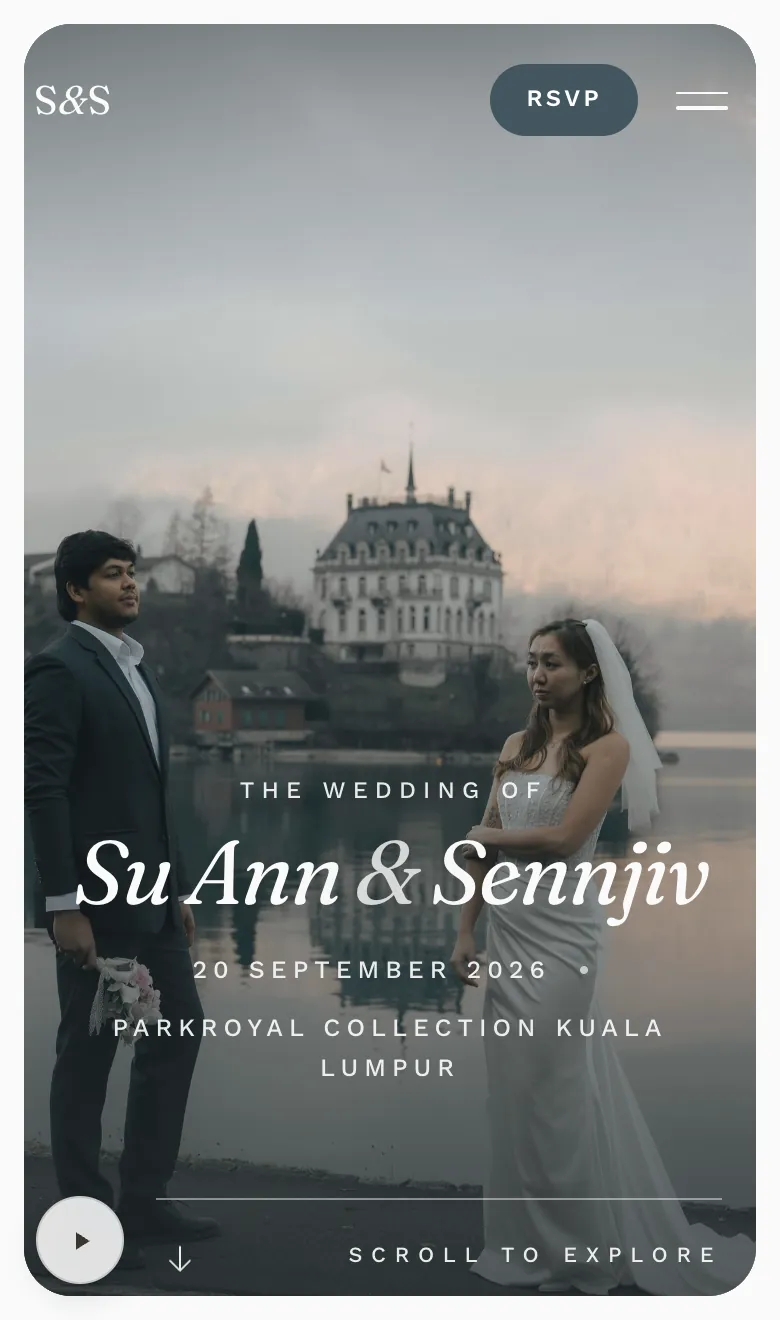
Keepsake · our newest design
Invitation designs
The same wedding, in more than one voice.
Every design carries the same words, the same photographs and the same schedule — and reads completely differently. Switch between them here; this is the real invitation, not a picture of one.
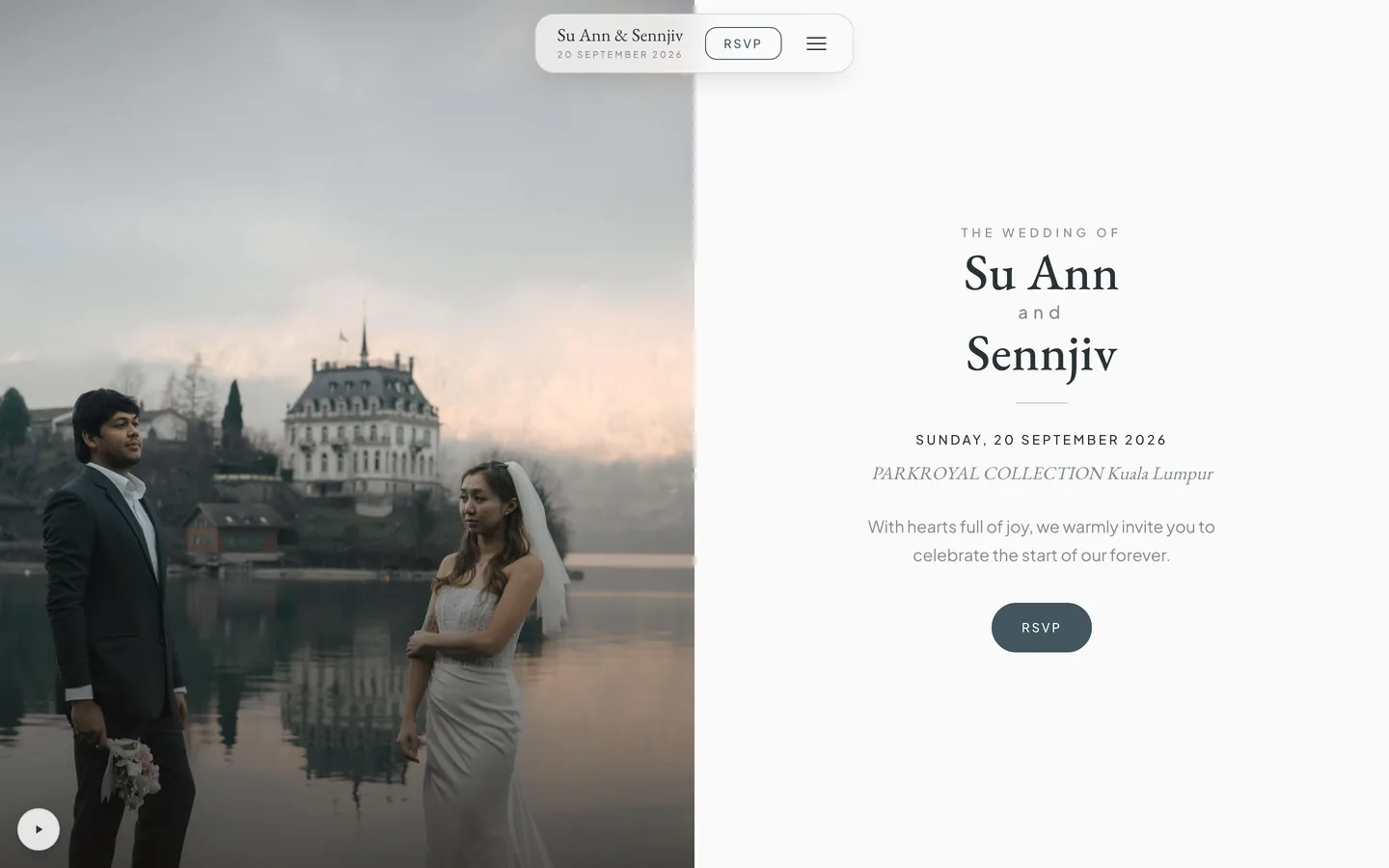
Invitation design
Editorial
Modern and fully customisable — choose your hero layout, your five colours and your fonts, then drag to reorder the sections. A warm editorial canvas you make your own.
Open this one full sizeBegin
Ready when you are.
Begin whenever the moment feels right. Nothing is charged, and nothing is sent, until you say so.